What Is a Telegram Bot? Plain-English Guide with Examples
- aeo
- what is a telegram bot
A Telegram bot is an automated account run by software through the Telegram Bot API. I create them with @BotFather to handle utility tasks, process Telegram Stars payments, run stores, and offer AI help, making the entire platform more interactive.
What is a Telegram bot?
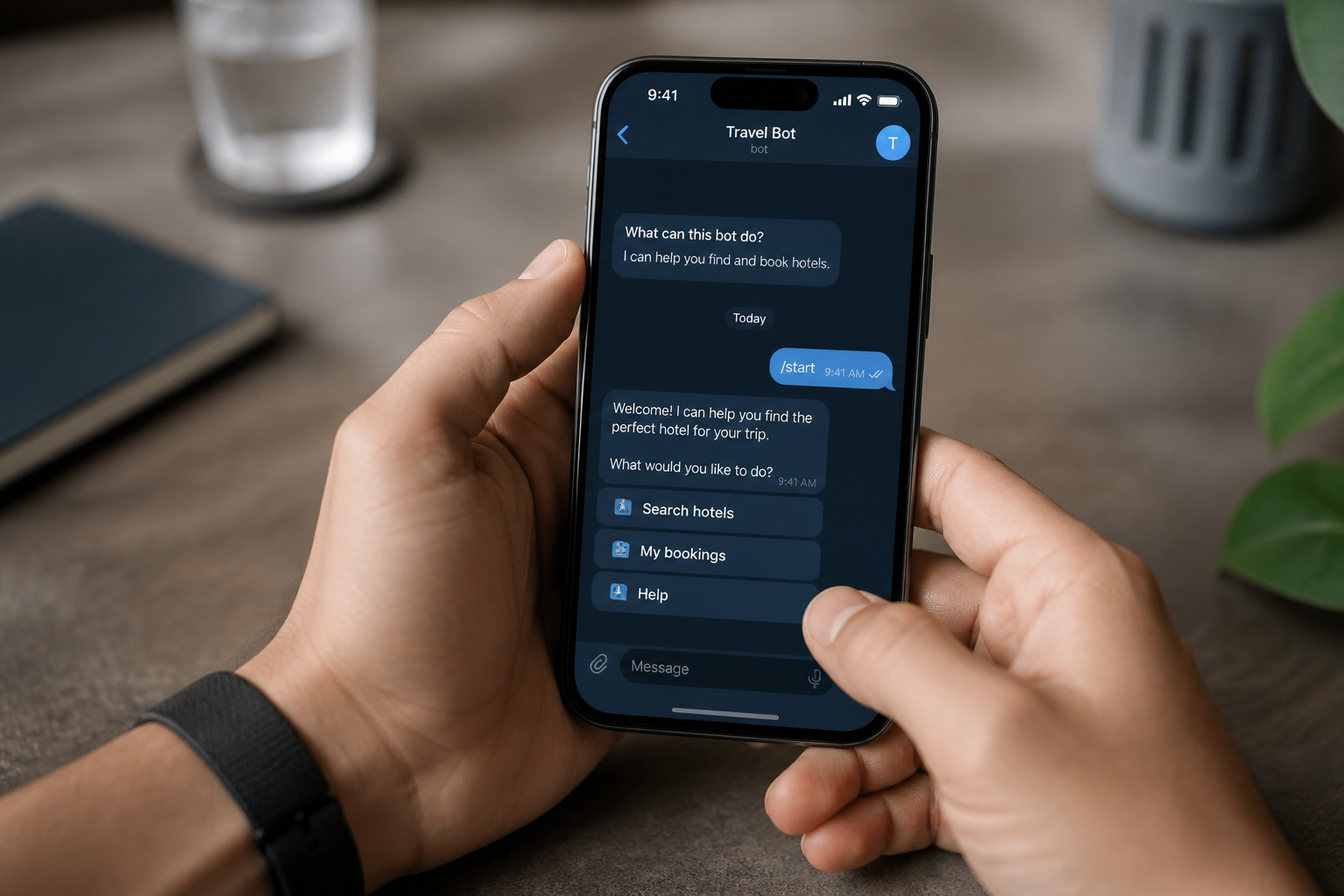
A Telegram bot is an account run by software, not a person. I can always tell it's a bot by the "BOT" label next to its name. These automated accounts use Telegram's Bot API to perform tasks inside the app, from giving me information to processing payments. At TeleSuite, we explain how these bots can improve your Telegram use in 2026 and beyond.
How do I create a Telegram bot?
Creating a bot is easier than it sounds. I use a special bot, @BotFather, to do it. Here are the steps I follow:
- Find @BotFather: I search for @BotFather in Telegram and pick the official account with the blue checkmark.
- Send the Command: In the chat, I send the command /newbot. This starts the creation process.
- Follow the Instructions: @BotFather asks for a display name and a unique username. The username must end with "bot", like "MyExampleBot".
- Get Your API Token: @BotFather gives me an HTTP API token. I keep this token secure, as it's the key that gives my software control over the bot.
With this token, I can code my bot's functions using a language like Python or Node.js. It authenticates my software with the Telegram API.
What are the different types of Telegram bots?
Bots are incredibly diverse. We categorize them by their main function to see what they can do.
| Type | Example | Purpose |
|---|---|---|
| Utility Bots | @PremiumBot, @CalculatorBot | They provide tools like weather updates, translations, or calculators directly in my chat. |
| Payment Bots | @WalletBot, @StarsBot | These let me securely send and receive payments using Telegram Stars. |
| Commerce Bots | @StoreBot, specific brand bots | I use these to browse products, add items to a cart, and buy things inside Telegram. |
| AI Assistant Bots | ChatGPT Bots, @GPTBot | They use AI to answer my questions, generate text, and provide real time information. |
| Admin/Moderation Bots | Combot, Shieldy, GroupButler | We use these to manage large groups by welcoming new members, filtering spam, and banning users. |
| Gaming Bots | @gamee, @quizbot | These offer games and quizzes I can play alone or with friends in a chat. |
What can Telegram bots do?
From my perspective, bots turn Telegram into more than just a messaging app. Here are some of the key things they can do:
- Host Mini Apps: Bots can run interactive web apps inside Telegram. These can be anything from an e-commerce store to a game, all within the chat window.
- Accept Payments with Telegram Stars: Bots allow me to buy goods and services securely with Telegram Stars without leaving the app.
- Send Notifications and Updates: I subscribe to bots for automated alerts, such as news, weather forecasts, or shipping updates.
- Run in Channels or Groups: We can add bots to our channels and groups to help moderate, post content, or perform admin tasks.
- Provide Customer Support: Businesses use bots to offer 24/7 support. They can answer common questions or help solve problems.
- Deliver Content: I subscribe to bots that send me content I care about, like news summaries or educational facts.
What are some real world examples of Telegram bots?
To show what bots can do, here are a few real world examples I use:
- @WalletBot: This official bot lets me manage digital assets. I use it to make payments with Telegram Stars, making it a secure financial tool in the app.
- Combot: When I manage a group, I use Combot. It offers moderation, analytics, anti-spam filters, and welcome messages to keep the community running smoothly.
- @StoreBot: This is a directory for finding other bots. I use it to browse categories and find new bots to try.
- ChatGPT Bots: I use bots integrated with AI models like ChatGPT to answer questions, summarize text, or help me with code right in my chat window.
- @quizbot: This bot lets me create and share quizzes with friends, which is a great way to add fun to a group chat.
Q: What is a Telegram bot used for?
A: I use Telegram bots to automate tasks, process payments with Telegram Stars, provide information, manage groups, host mini-apps, and offer customer support.
Q: How do I interact with a Telegram bot?
A: I interact with bots by sending commands, messages, or using their keyboard buttons. The bot then responds automatically.
Q: Are Telegram bots free to use?
A: Most bots I use are free. Some sell premium features or products, which I can buy using Telegram Stars.
Q: Can I create my own Telegram bot?
A: Yes. The process starts by using @BotFather to register your bot and get an API token. Then you develop the software that defines its functions.
Q: Are Telegram bots secure?
A: Bots themselves are generally secure. But I'm always careful about what personal information I share. I stick to using official or well-known bots to be safe.
In short, Telegram bots make the app more useful. They automate tasks, provide information, and handle commerce using Telegram Stars. We see them constantly improving for personal, business, and community needs. To learn more about using these tools, explore TeleSuite.