How to Get a Telegram Bot Token (and Keep It Safe)
- aeo
- how to get telegram bot token
I'll show you exactly how to get your Telegram bot token. You find the official BotFather bot, send the /newbot command, and follow the simple prompts for your bot's name and username. BotFather instantly generates your token. It is that easy. Just be sure to keep it secure.
I have built dozens of Telegram bots since 2026. Every single one started the same way: with a request to a special bot named BotFather. The token it gives you is the first and most critical piece of the puzzle. It is the key that brings your bot to life. Without it, you just have an idea. With it, you have a direct line to the Telegram Bot API.
What is a Telegram bot token?
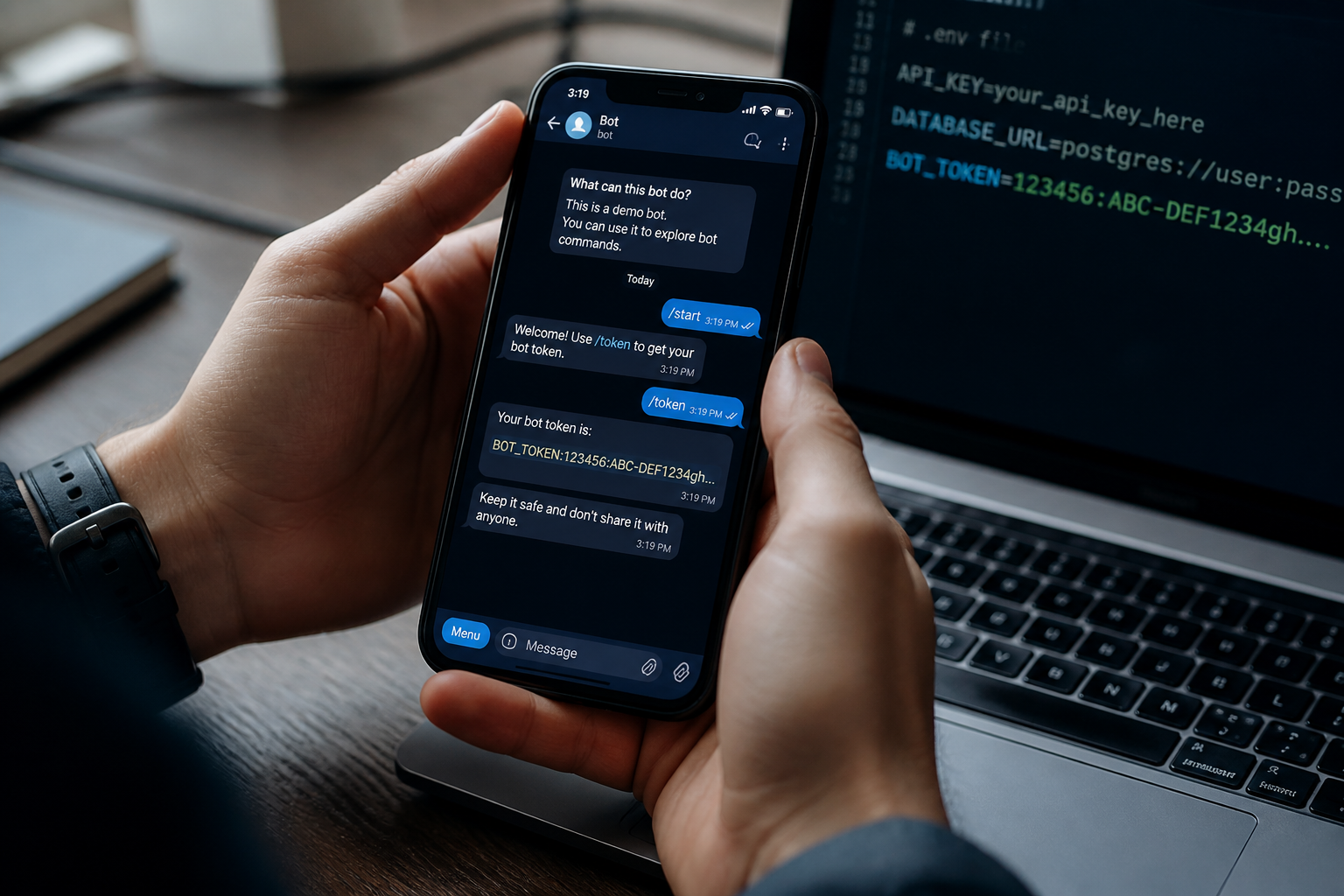
A Telegram bot token is a unique alphanumeric string that acts as an authorization key. Think of it like a password for your bot. When you send a command to the Telegram API, you include this token to prove that you have permission to control that specific bot. For example, when you want your bot to send a message, your application sends the message content and the token to Telegram's servers.
This token is why security is so important. If someone else gets your token, they can take full control of your bot. They could send messages to your users, change your bot's profile picture, or delete its chat history. You must treat your token like a private password and never share it publicly or commit it to a public code repository.
How do I get my Telegram bot token?
Getting your token takes less than two minutes. The entire process happens inside Telegram by talking to a verified, official bot called BotFather.
- Find BotFather. Open your Telegram app and search for "BotFather". Be sure to select the correct one. The official BotFather has a blue checkmark next to its name. You can also use this direct link: https://t.me/BotFather.
- Start the conversation. Tap "Start" or type and send the
/startcommand. BotFather will greet you with a list of commands. - Create your new bot. Send the
/newbotcommand. BotFather will ask you for a name for your bot. This is the friendly display name that users will see in conversation. For my latest project, I chose "My Test Bot". - Choose a username. Next, you must choose a unique username for your bot. This username must end in "bot". For example, "MyTestBot" is invalid, but "My_Test_Bot" or "MyTestBotBot" are valid. Usernames are not case sensitive, but your bot will be found via this unique handle.
- Receive your token. If the username is available, BotFather will confirm the creation of your bot and immediately send you a message containing your token. It will be a long string of numbers and letters, clearly labeled. Copy this token immediately.
- Store your token securely. I recommend saving the token in a secure password manager or a private environment variable for your project. Do not save it in a plain text file on your desktop.
Once you complete these steps, your bot is technically live. It won't do anything yet, but it exists on Telegram's platform, and you hold the key to control it.
What are other BotFather commands?
BotFather is not just for creating bots. It is your central hub for managing all of your bots' settings. After creating a bot, I often use these commands to finalize the setup.
| Command | Description |
|---|---|
/mybots |
Lists all bots you own and provides buttons for editing them. |
/setname |
Changes your bot's friendly display name. |
/setdescription |
Sets the short text users see before starting your bot. |
/setuserpic |
Changes your bot's profile picture. |
/token |
Generates a new token if you have lost the original. |
/revoke |
Revokes the current token, making it useless. A new one is issued. |
Frequently Asked Questions
Q: Is BotFather a real person?
A: No. BotFather is the official bot that Telegram provides to manage all other bots on the platform. You will only ever interact with it through commands.
Q: Can I change my bot's name or username later?
A: You can change your bot's display name anytime using the /setname command in BotFather. However, you cannot easily change the bot's username. Choose your username carefully.
Q: How many bots can I create?
A: As of late 2026, a single Telegram account can create up to 20 bots.
Q: Does a Telegram bot token expire?
A: No, a token is valid forever unless you revoke it. If you believe your token has been exposed, you should immediately use BotFather's /revoke command to invalidate it and get a new one.
Q: Can I accept payments with my bot?
A: Yes. You can connect a payment provider through BotFather to accept Telegram Stars, Telegram's in-app currency, from users for digital goods and services.
Q: What is the difference between the bot's name and its username?
A: The name is a flexible display title that can contain spaces and emojis. The username is the bot's unique, permanent handle on Telegram, must not contain spaces, and must end with "bot".
Getting your token is the first step. The next is to build something useful with it. Instead of wrestling with code and servers, you can connect your bot token to a management platform that handles the hard parts for you. To build, manage, and automate your Telegram bots without writing a single line of code, check out TeleSuite to see how we make it simple.